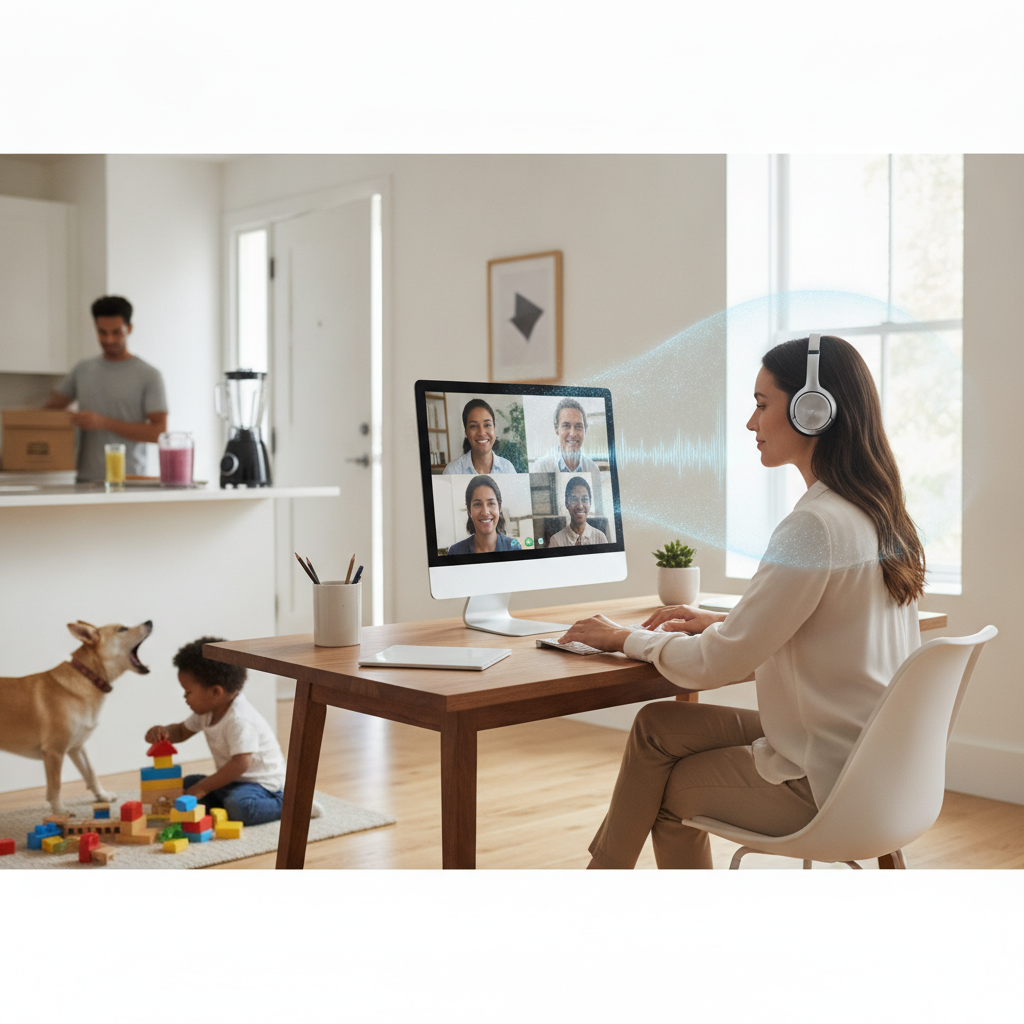
Remote work transformed the office meeting into something far more acoustically complicated. Dogs bark, neighbors mow lawns, espresso machines hiss in the background, and keyboards clatter through every shared screen session. For years, these sounds were simply part of the video call experience — tolerated, apologized for, occasionally muted around. What's changed is that artificial intelligence has moved deep into the audio layer of conferencing software, and the results are quietly rewriting what a professional meeting sounds like from any location.
The Technology Behind the Silence
At the core of AI noise cancellation is a class of machine learning models trained on enormous libraries of sound — human voices, environmental noise, office chatter, traffic, and everything in between. These models learn to distinguish speech patterns from background interference in real time, filtering out unwanted sound before it ever reaches a microphone stream. Unlike older noise-reduction techniques that relied on static frequency filtering, modern AI systems analyze audio dynamically, frame by frame, adapting to changing acoustic environments without any manual adjustment from the user. The result is suppression that's faster, smarter, and far more context-aware than what was possible even five years ago.
How Major Apps Are Implementing It
Zoom, Microsoft Teams, and Cisco Webex have each built proprietary noise suppression systems directly into their platforms, meaning users don't need external hardware or third-party software to benefit. Zoom's audio processing runs locally on a user's device, which reduces latency and keeps audio data from traveling to external servers for processing. Microsoft Teams uses a combination of on-device and cloud-based AI to handle suppression, with different performance profiles depending on hardware capability. Krisp, a standalone application that integrates with virtually any conferencing tool, has become popular among users who want consistent noise filtering across multiple platforms regardless of which app hosts the meeting.
What It Actually Filters Out — and What It Doesn't
The suppression capabilities of current AI systems are genuinely impressive across a range of common disturbances. Keyboard typing, HVAC hum, street noise, and background music are handled well by most leading implementations. Barking dogs and crying children — two sounds that became almost symbolic of the remote work era — are increasingly suppressed without affecting voice clarity. Where the technology still encounters limits is in highly unpredictable or speech-like sounds. A television playing in another room can confuse some models. Overlapping voices from a physical room may be partially filtered along with the speaker's own audio. These edge cases are narrowing as training data improves, but they haven't fully disappeared.
The Effect on Meeting Quality and Presence
Cleaner audio does more than reduce irritation — it changes how participants experience a conversation. When background noise is removed, listeners can focus on tone, pacing, and content rather than mentally filtering out distractions. Remote participants often report feeling more engaged and less fatigued during calls where noise suppression is active, a pattern that aligns with broader research on cognitive load and auditory distraction. There's also a professional dimension worth noting: cleaner audio tends to signal preparation and care, even when a speaker is calling from a kitchen or a shared apartment. The gap between a home office and a corporate conference room is narrowing at the sound level.
Where AI Audio Processing Is Heading Next
The next generation of audio AI is already moving beyond simple noise removal. Acoustic echo cancellation, voice equalization, and room-mode correction are being layered into the same pipelines that handle background suppression. Some platforms are experimenting with voice isolation — the ability to distinguish and separately process multiple speakers in a physical room, which matters enormously for hybrid meetings where some participants share a single device. Spatial audio is also entering the conversation, with companies like Apple integrating directional sound into FaceTime and conferencing contexts to create a more natural sense of who is speaking and where they are positioned. The direction is toward audio that doesn't just sound clean but sounds spatially coherent.
What to Look For When Choosing Your Setup
If you're evaluating which conferencing setup handles audio best, start by checking whether noise suppression runs locally on your device or depends on a server connection. Local processing means lower latency and more consistent performance during unstable internet moments. Test suppression in your actual environment — not a quiet room — because real-world conditions reveal capability gaps that demos rarely show. If you switch frequently between Zoom, Teams, and Google Meet, a dedicated tool like Krisp may offer more consistent results than relying on each platform's native implementation. Also check your microphone quality independently; AI suppression performs better with a cleaner input signal, so a decent USB or XLR microphone paired with strong software filtering will outperform a built-in laptop mic every time.
AI-powered noise cancellation has moved from being a premium feature to a baseline expectation in professional video conferencing, and the underlying models continue to improve with every software update. As hybrid work arrangements stay embedded in how organizations operate, the acoustic quality of remote participation will only grow in importance. The platforms and tools investing most heavily in audio intelligence today are setting the standard for what a meeting is supposed to sound like — and that standard is getting noticeably higher.