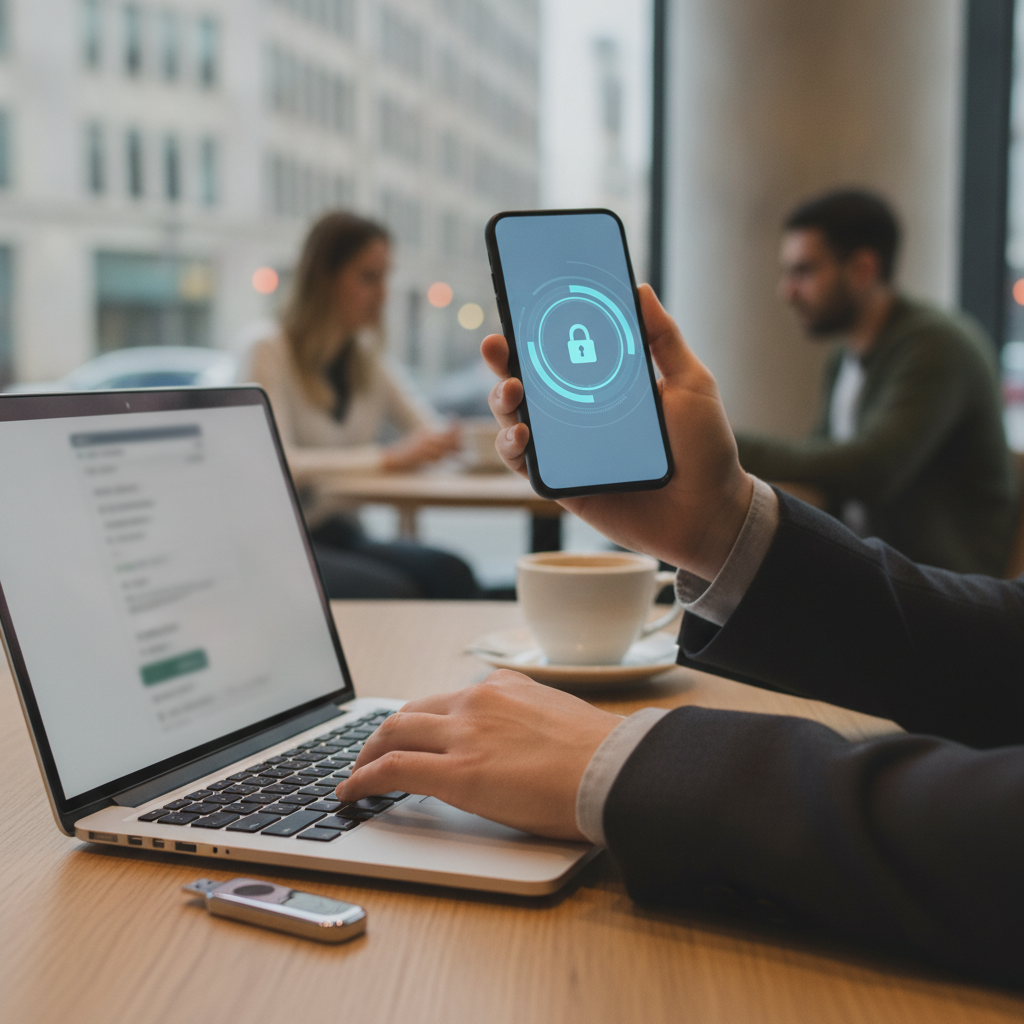
The way people prove their identity online is undergoing one of its most significant shifts since the password was invented. For decades, logging into an account meant typing a string of characters — something to remember, protect, and occasionally forget. Passkeys represent a fundamental departure from that model, and major technology companies have already begun rolling them out at scale. Understanding what they are, why they work, and how they change daily login habits is increasingly relevant for anyone who uses a smartphone, laptop, or web service.
How Passwords Became a Security Problem Worth Solving
Passwords were never an elegant solution. They rely entirely on a user's ability to choose something difficult to guess, remember it accurately, and avoid reusing it across multiple accounts. In practice, most people don't do all three consistently. Weak passwords, credential stuffing attacks, and phishing schemes have made stolen login credentials one of the most common entry points for data breaches. Even two-factor authentication, while helpful, adds friction without fully addressing the underlying vulnerability. The password model asks too much of human memory and too little of the technology doing the protecting.
What Passkeys Are and How the Technology Actually Works
Passkeys replace the traditional username-and-password combination with a cryptographic key pair. When a user creates an account or switches to passkey login on a platform, the device generates two mathematically linked keys — one stored privately on the device, one registered with the website or service. Authentication happens when the private key signs a challenge from the server, and the server verifies it using the public key. The private key never leaves the device. There's nothing to type, nothing to transmit that can be intercepted, and nothing stored on a server that could be leaked in a breach.
The Companies Leading the Shift to Passwordless Accounts
Apple, Google, and Microsoft all adopted the passkey standard developed by the FIDO Alliance in coordination with the World Wide Web Consortium. Apple integrated passkeys into iOS and macOS through iCloud Keychain, allowing them to sync across a user's devices. Google built passkey support directly into Android and Chrome, with account-level passkeys available through Google Password Manager. PayPal, GitHub, and Adobe have enabled passkey login for their users, and the list continues to grow. These aren't experimental features — they're live, default-available options for hundreds of millions of accounts.
What Logging In With a Passkey Looks Like in Practice
For users, the experience is noticeably simpler than traditional login. Instead of entering credentials, the device prompts for the same authentication already used to unlock it — a fingerprint, a Face ID scan, or a PIN. The verification happens in a fraction of a second, and the site confirms the identity without any password ever being entered. On mobile devices, this often feels identical to unlocking an app. On laptops, it may involve a fingerprint reader or a quick confirmation on a paired phone. The process removes the login step that most people find most frustrating: the moment of forgetting.
The Security Advantages That Make Passkeys Worth Adopting
Passkeys are resistant to phishing by design. Because authentication is bound to a specific domain, a fake login page cannot intercept a passkey the way it can capture a typed password. There's no credential database on the server side to breach, since the private key stays on the device and the public key alone is useless to an attacker. Account takeover through credential stuffing — where attackers test username-password combinations stolen from one service against another — becomes irrelevant when there's no password to reuse. The security model shifts from something a user has to remember to something a device can verify cryptographically.
How to Start Using Passkeys on Your Accounts Today
If you use an iPhone, Android device, or a browser like Chrome or Safari, you likely already have the infrastructure needed to use passkeys. Start by checking whether services you use frequently — Google, Apple ID, GitHub, or PayPal — offer passkey login in their security settings. Look for a section labeled "passkeys," "passwordless sign-in," or "security keys." When prompted, your device will walk you through setting one up in under a minute. It's worth enabling passkeys on your most sensitive accounts first, particularly email and financial services, since those carry the highest risk if compromised. You don't need to eliminate passwords everywhere overnight — most platforms still offer password login as a fallback while adoption grows.
Passkeys are moving from early-adopter territory into mainstream default as platform support deepens and users become more familiar with the experience. The remaining friction — cross-device recovery, legacy system compatibility, and user education — is real but narrowing. As more services deprecate passwords entirely and lean on device-based authentication, the login experience most people have accepted for thirty years is quietly being retired. The shift is already happening; for most users, the practical question is simply when to make the switch, not whether it makes sense.